 Download for iOS
Remember every word
fOReVeROrganise your vocabulary. Remember with simple spaced repetition.

All Cards
217 cards
Trip to the Mountains
72 cards
Animals
14 cards
Boat Trip
25 cards
City Break
33 cards
Desert Adventure
40 cards
Forest Walk
24 cards
Household Items
9 cards

 is a language learning platform that brings intuitive language cards
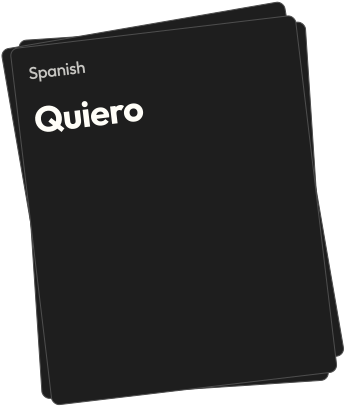 and proven spaced repetition
 together for effortless vocabulary learning.
Everything you need to learn
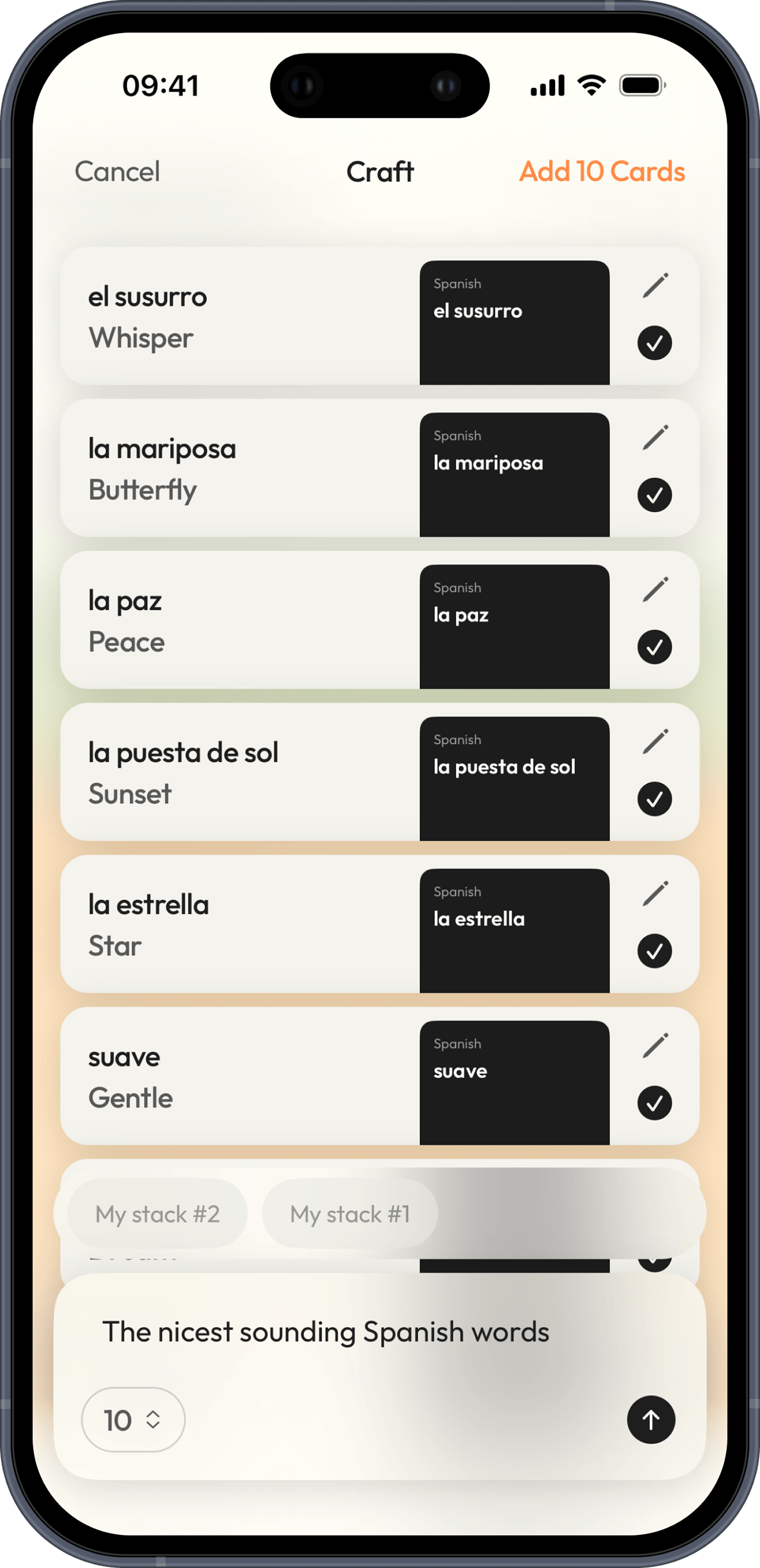
Cards ready in seconds
Craft generates rich cards for you. Type a word and it fills in the translation, example sentences, and context so you can start learning right away.
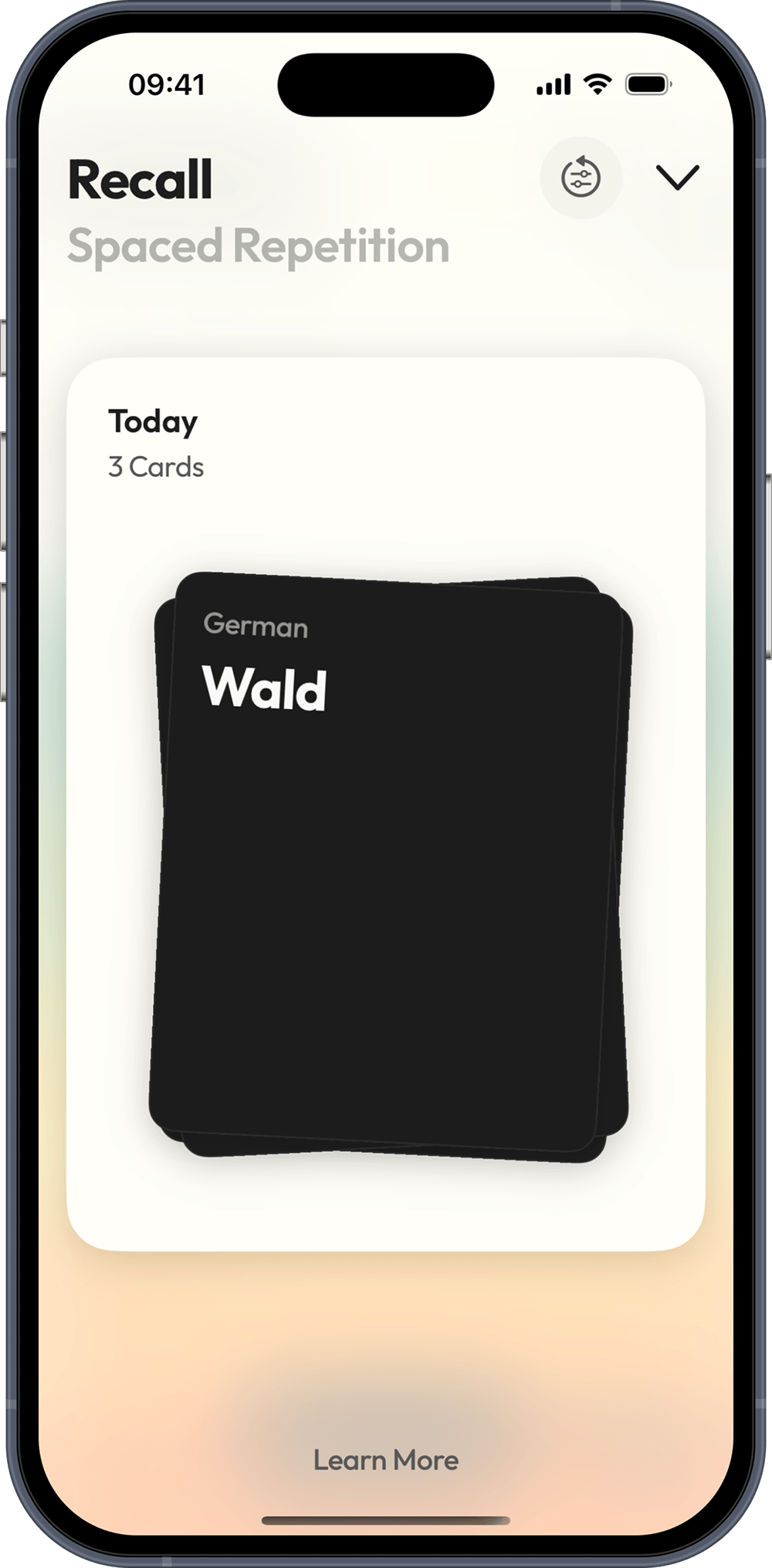
Remember more, forget less
Recall uses simple spaced-repetition to resurface each word at exactly the right moment, moving it into your long-term memory.
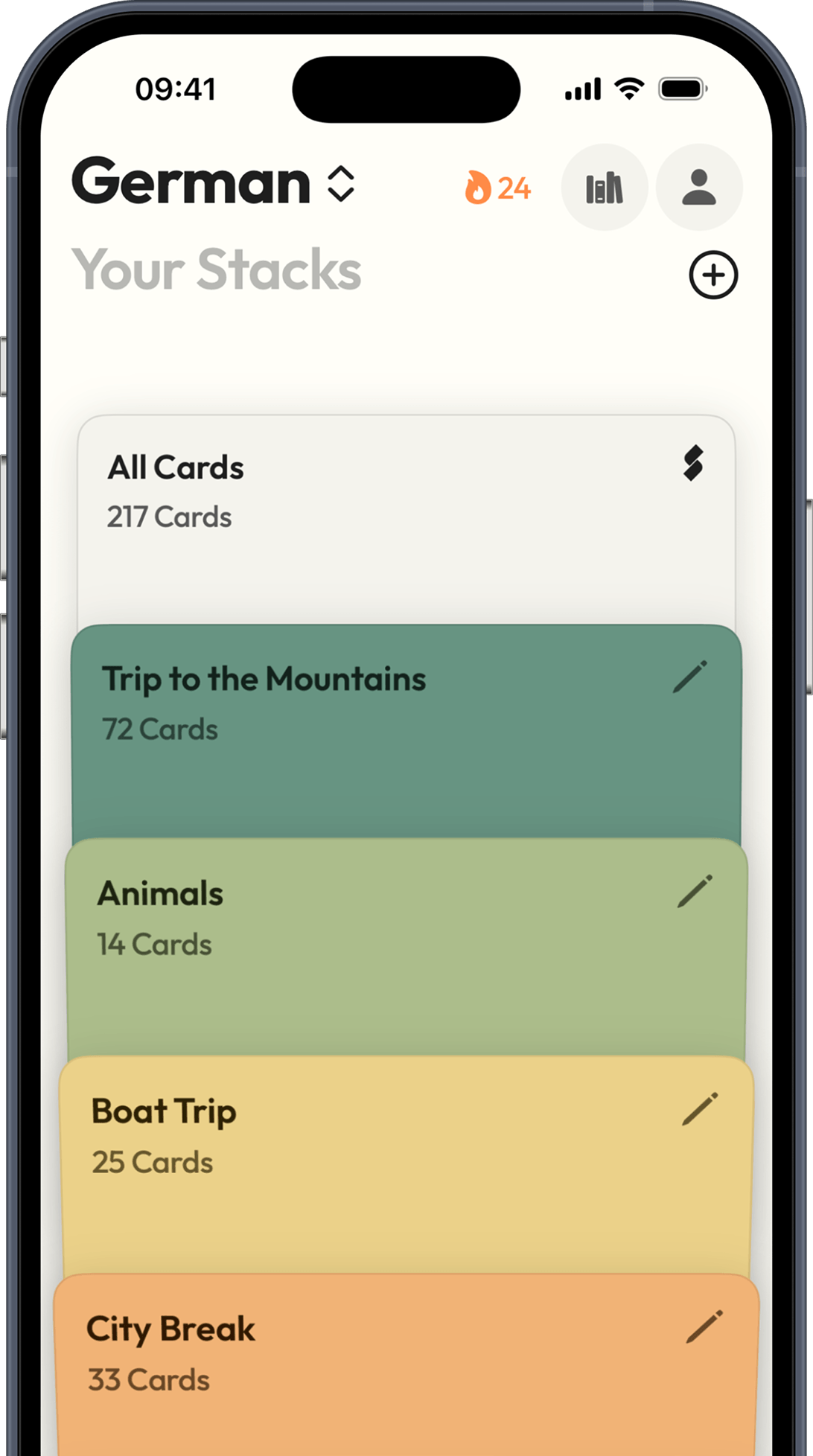
Stay effortlessly organised
Stacks group your cards by topic, theme, or lesson so everything you're learning stays in one focused place.
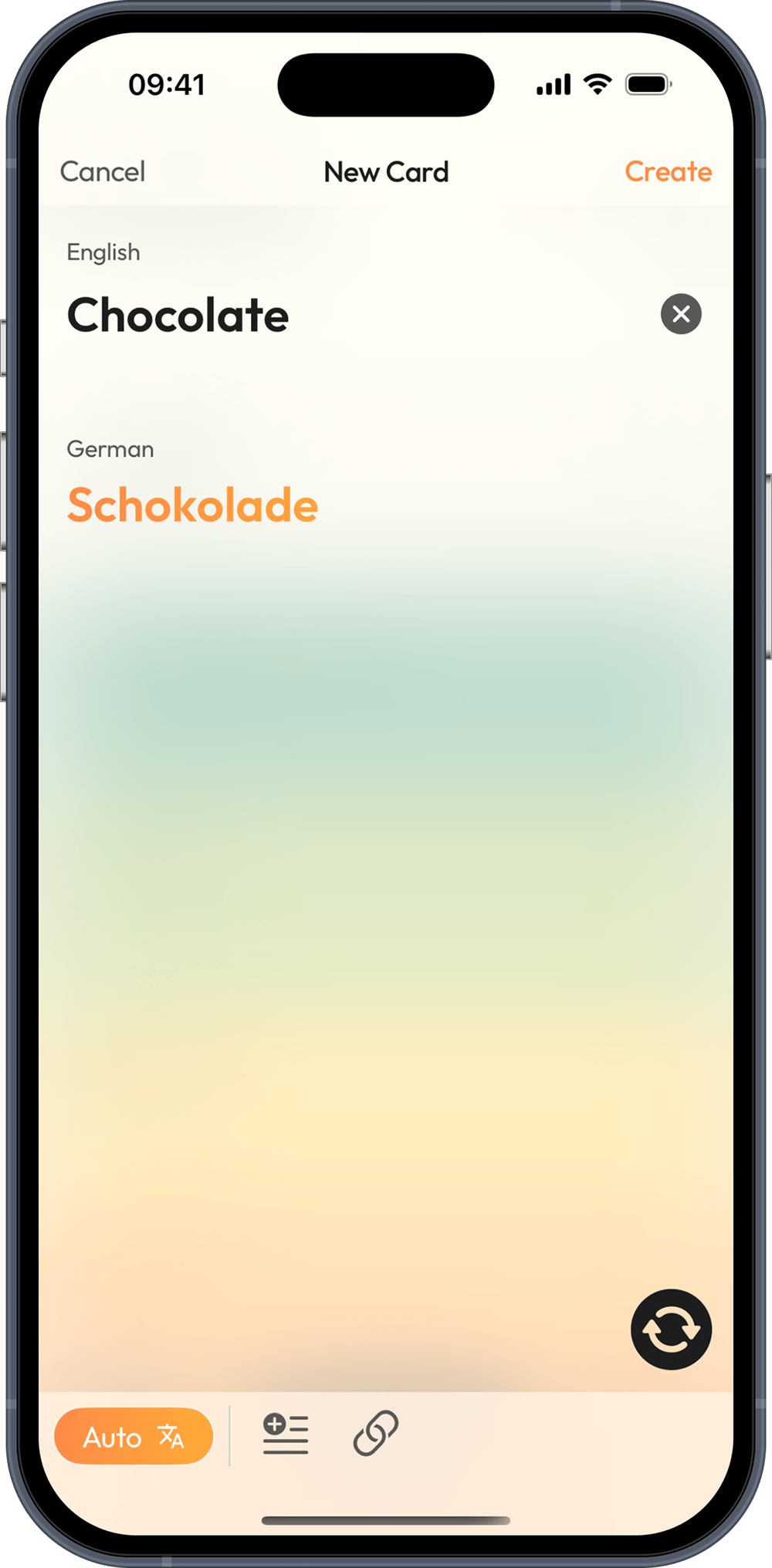
Never lose a new word
Fast, accurate auto translations let you capture vocabulary the instant you meet it, with no dictionary hunting and no breaking your flow.
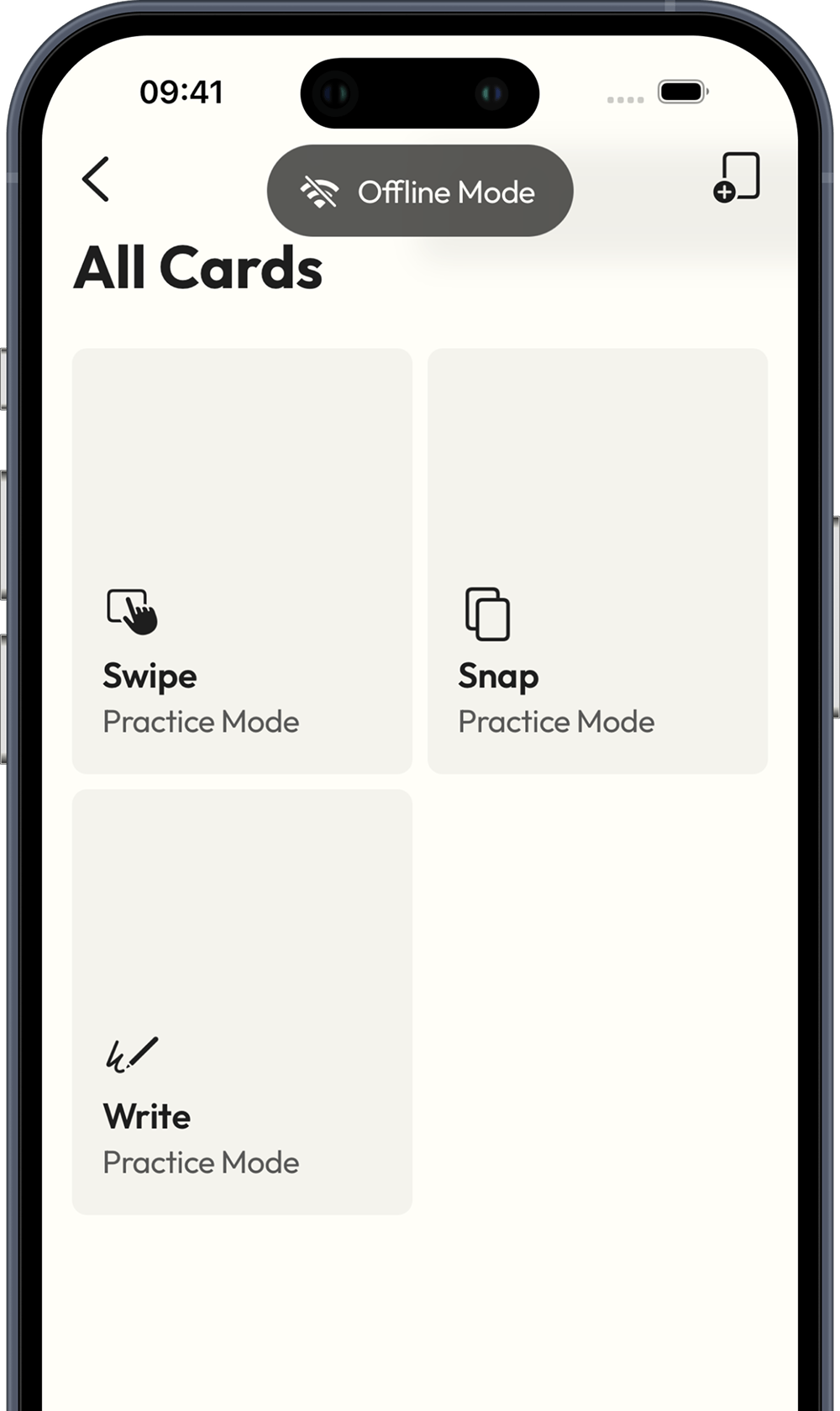
Learn anywhere
Offline mode keeps your cards and progress available even with no signal, whether you're on the plane, the train, or the middle of nowhere.
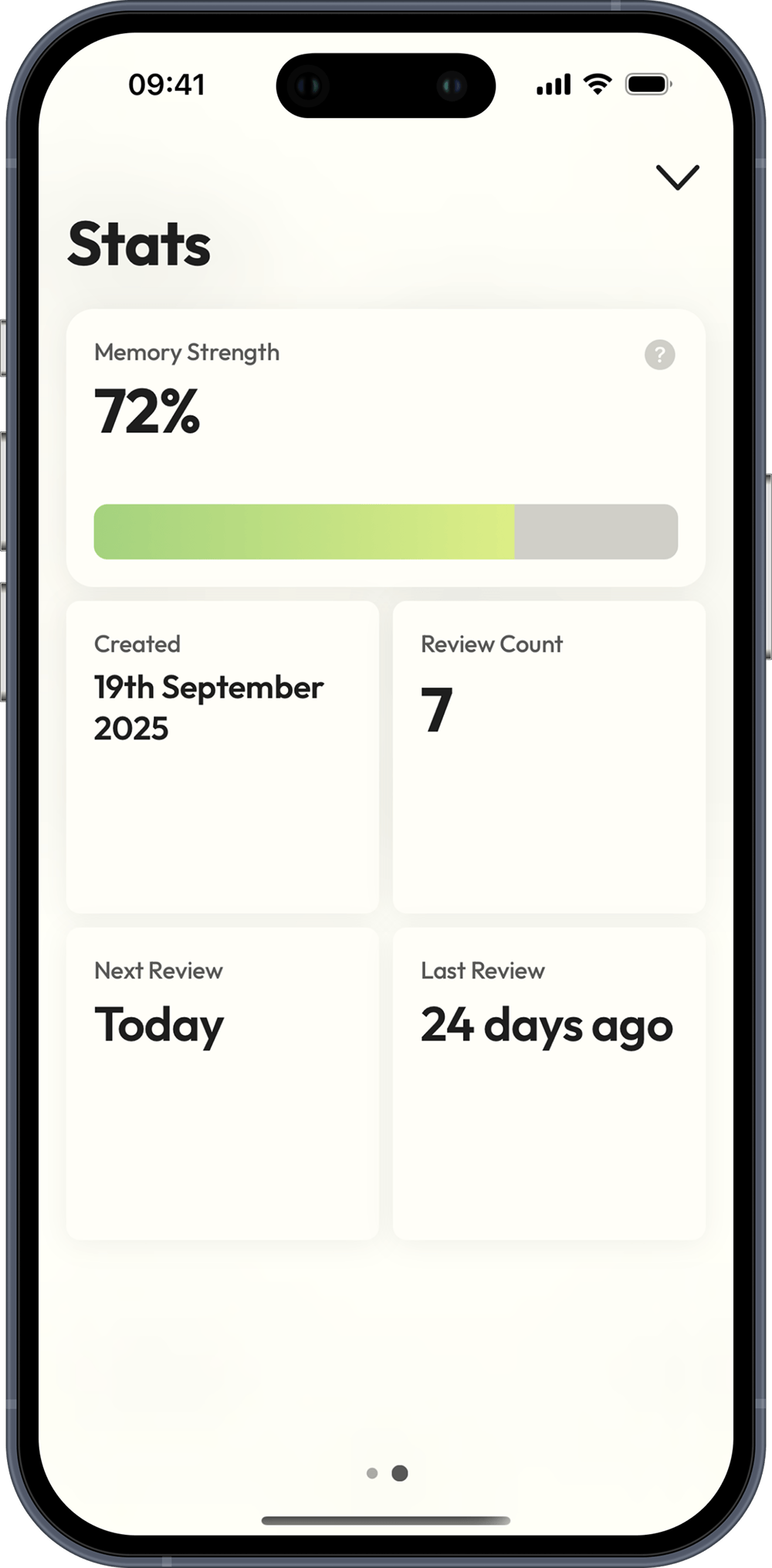
See yourself improve
Memory strength tracks your progress over time for every word, so you always know what you've mastered and what needs another look.
Frequently Asked Questions
Stacks is a language learning platform that uses language cards and the FSRS spaced-repetition algorithm to help you remember vocabulary longer with less study. It's fast, minimal, and ad-free.
Duolingo decides what you learn and feeds you a fixed path. Stacks works the other way round: you choose what to study, and it builds cards around your own content. Want to practise your own materials, or focus only on verbs? You can't do that in Duolingo. Tell Stacks what you want to learn, and spaced repetition helps you remember it.
Yes, and that's on purpose. Stacks is built specifically for language learning, so every feature is tuned for it: automatic translations, romanization, spaced repetition for vocabulary, and language-aware card creation. We'd rather do one thing exceptionally well than dilute the app to cover every kind of content. That focus is exactly why the language-learning experience feels so sharp.
Yes, the iOS app works offline for creating and reviewing language cards. When you're back online, your progress syncs automatically across devices.
Offline mode is a mobile feature. The iOS app is offline-friendly, so you can create and review cards without a connection, and everything syncs when you're back online. The web app needs an internet connection.
Stacks is free and includes cross-device sync; the free plan lets you create up to 40 cards. Stacks Plus adds unlimited cards and automatic DeepL translations.
FSRS schedules each language card right before you're likely to forget it, so you review at the right time and retain more with less effort.
Stacks supports over 100 languages for card creation and study, so you can learn the language you actually care about.
Yes. Where available, Stacks automatically includes romanization for non-Latin scripts (for example Japanese, Arabic, Russian, and Hindi).
Yes, DeepL is one part of it. Stacks uses a mix of Google, DeepL, and large language models to generate translations and card content, choosing the best source for each language. Automatic translations require an internet connection and are available with Stacks Plus.
Yes, cross-device sync is included for all users. Study offline and your cards and progress will sync when you're back online.
Yes, sign in with Apple or Google is required for secure backup, cross-device sync, and subscription management.
If you subscribed on iPhone, manage it in Settings → Apple ID → Subscriptions. If you subscribed on the web, open Settings in the web app and press Manage on your Stacks+ card. Either way, you can cancel or change your plan anytime.
Install Stacks on your new device and sign in with the same account; your synced cards and progress will return automatically.
Stacks has no ads and doesn't sell your data. We store only what's needed to run sync and subscriptions. See the Privacy Policy for details.
Stacks is available on iOS and the web, so you can create and review your cards on your phone or in the browser.
For help with Stacks, email support@thestacksapp.com.
Yes, with Stacks Plus you can adjust FSRS request-retention to match your pace, and your schedule updates accordingly.
Suggest new features via the in-app feedback form. We're actively listening to requests.
No, Stacks is ad-free so you can focus without distractions.